View - Position Information
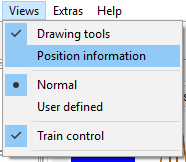
The tool window Position Information gives information about the current position of the mouse cursor on the plan.
Define a Position
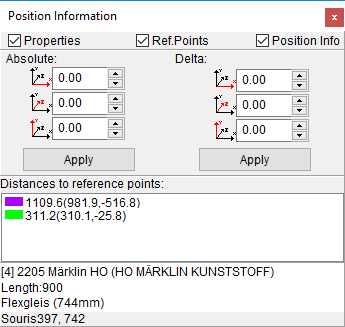
If the checkbox Properties is selected () the following panel will be shown:Here you can set the absolute position of an element or the relative positions of many elements.
Reference points
If Ref.Points is selected () the following panel will be shown:Here you can read the distance of the mouse cursor from all the reference points. (Hint: you can change the color of reference points with the Context Menu on the plan).
Information about a Track Element
The check box Positions Info () shows the part of the tool window that gives information about the track element under the mouse cursor. For flex tracks you can see the effective length of the middle line.Example: