Insert - Special Object
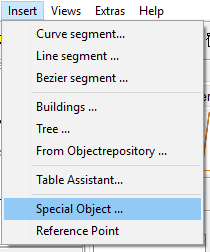
The special object editor allows creation of mountains, locomotives and similar. The special object editor always works in a view from top, i.e., you can edit contour lines. Editing the contour lines is similar to editing polygons.
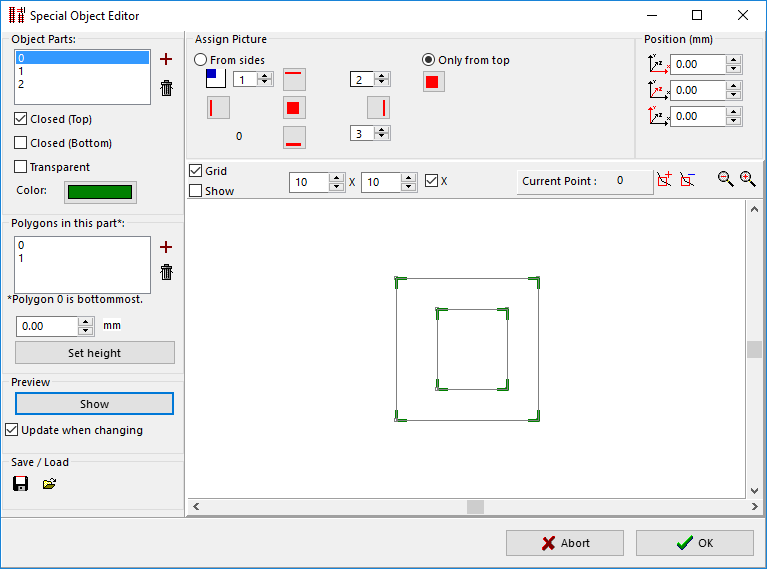
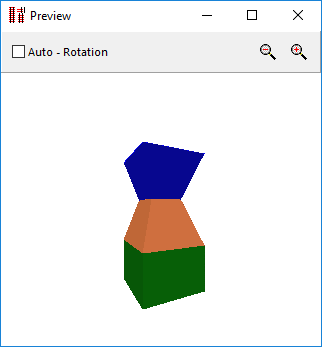
In the field Object parts different object parts can be defined. A mountain without overhangs or tunnels can be created with a single object part. An object part consists of two or more contour lines that are defined in the area Polygons. You can add an arbitrary number of contour lines to an object part. Each contour part needs to contain at least three points. Only the points of the selected contour can be edited. The exact position of a point can be found or changed in the field Position(mm). It is possible to move single points out of a countour plane.
The button
It is possible to project image on an object. The picture can be projected either Only from top, where one picture is projected on the whole object. Alternatively 4 pictures can be projected From sides and one from top for the top plane.
If the option From sides is selected, the active object part is separated into 4 sectors. A picture can be projected to each of these sectors. The sectors are marked with green corners (). The changeable numbering () starts on top left and continues clockwise. The bottom left corner is fixed to position 0.