Insert - Curve Segment
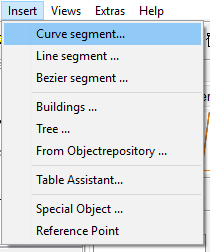
Adds an arbitrary curve segment which can also be defined as a flex track if the currently selected modules contains flex tracks.
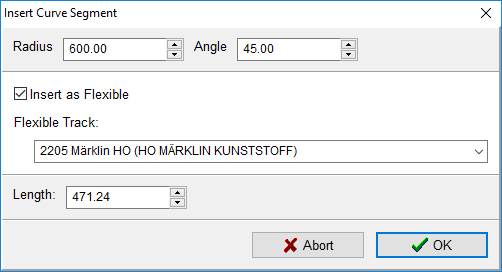
Insert the desired geometric data into the fields Radius and Angle (alternativel length). When changing the angle, the length is automatically adjusted and vice versa.
If the currently active modules contain flex tracks, the new curve segment can be treated as one of these flex tracks. To do this, check the box "Insert as flexible" and select the desired flex track.
Clicking the