Insert - Building
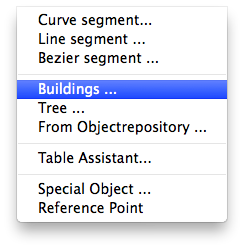
Adds a 3d building to the plan.
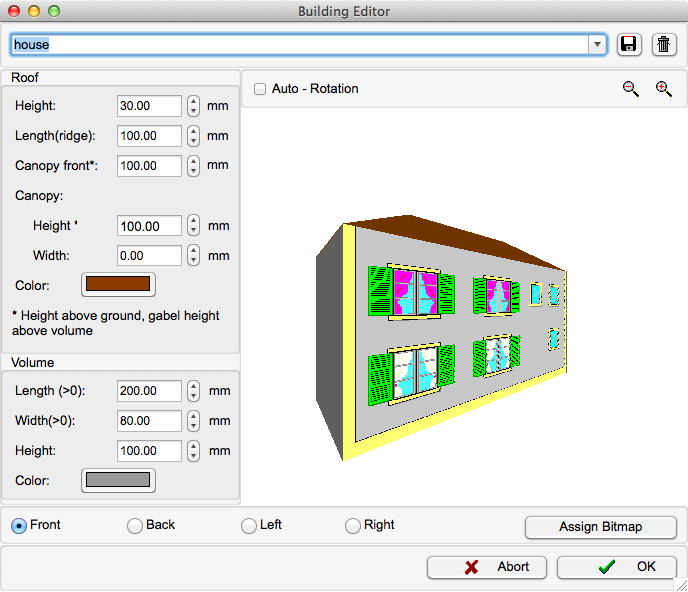
The parameters of the building that is to be inserted can be adjusted in the Building Editor window. You can store the parameters of a building by entering the desired name in the name field () and clicking the "store" symbol (). To load a previously stored building, select it from the drop down list. Use the delete button () to delete a stored building.
Click